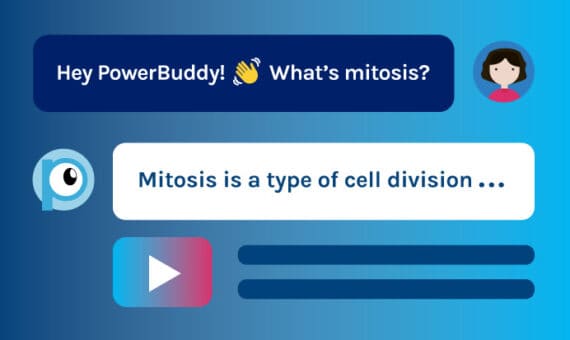
Back-to-school season moves fast, and it’s easy to feel like you’re already behind. Teachers are expected to plan lessons, engage students, communicate with families, and stay on top of endless prep, all before routines are established.
That’s where AI can help—by lightening the load and giving teachers back the time and energy to focus on what matters most.
Best AI tools for teachers in 2025-2026
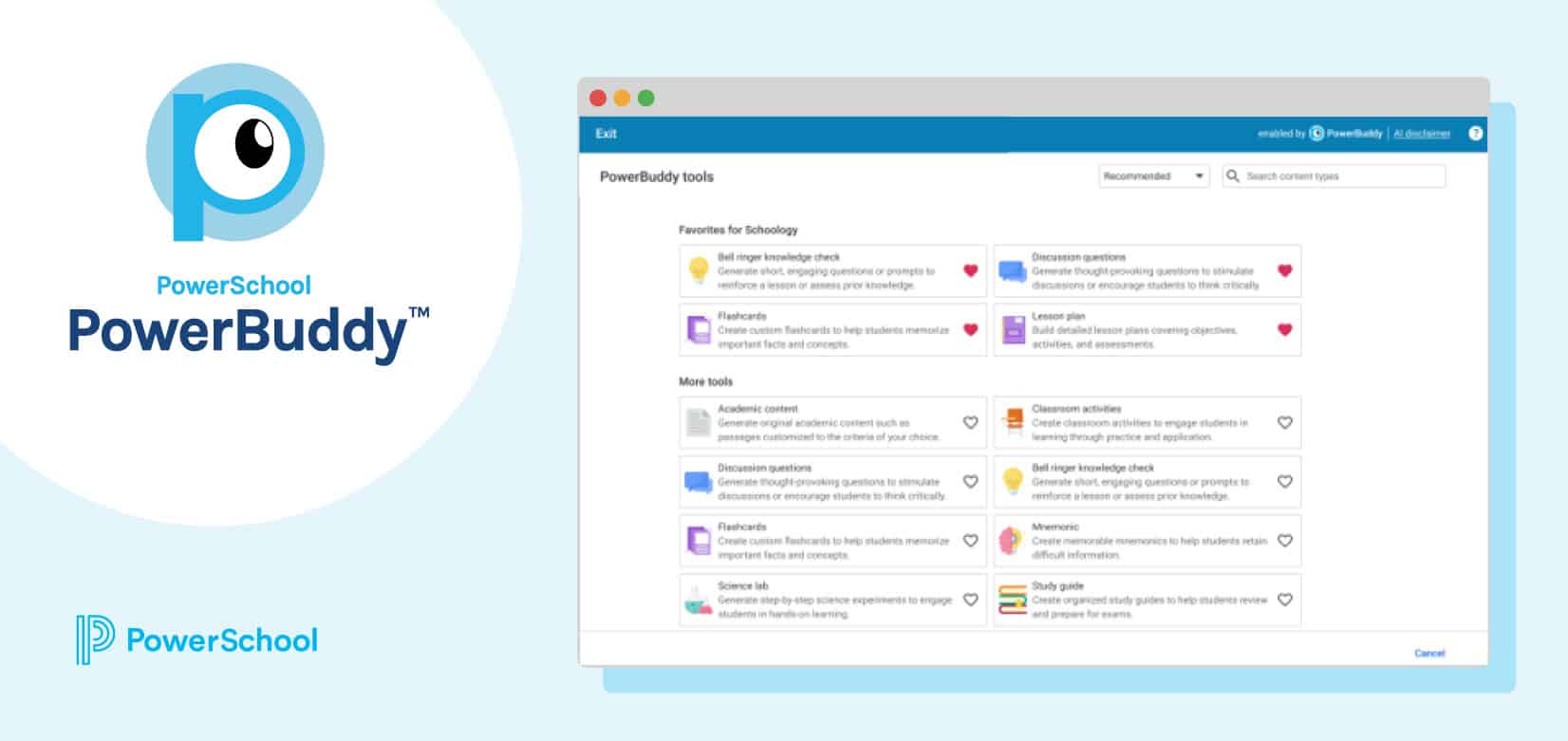
PowerSchool PowerBuddy™ is here to help! Built into your existing classroom tools, PowerBuddy gives teachers AI-powered support for lesson planning, assessment, classroom prep, and professional learning. Whether you’re teaching elementary science or leading a high school PLC, these tools save time and help you tailor learning to every student from day one.
Plan and personalize before the first bell
The early days of school are packed with content delivery, new routines, and student needs. PowerBuddy helps you plan smarter so you can focus more on relationships and engagement. Lay the groundwork for personalized instruction by making prep faster, more innovative, and more efficient.
Encourage responsible AI use from day one
The sooner students understand how to use AI responsibly, the better. PowerBuddy can be part of a PowerSchool Schoology Learning assignment on digital literacy, with the PowerBuddy for Learning chat assistant enabled for guided exploration.
Kick off a Week 1 unit by walking students through ethical AI use and letting them test the tool. This hands-on activity builds digital skills and sets expectations.
Prep faster with Schoology Learning homepage tools
Personalized back-to-school prep doesn’t have to mean reinventing the wheel. PowerBuddy’s Quick Content Refresher and Family Communication tools—available on the Schoology Learning homepage—let you update lessons and reach out to families in minutes.
Teachers can update their Day One lesson and send a welcome message to families before students even walk in. It’s an efficient way to build connections and confidence.
Start strong with diagnostic assessments that do more than test
PowerBuddy for Assessment helps you quickly create beginning-of-year diagnostics that do double duty: identifying summer learning gaps and easing students into varied question formats. A fifth-grade math teacher might create a quiz aligned to Grade 4 standards, while a science teacher could generate multiple-choice and open-ended questions to assess prior knowledge. These low-stakes tools don’t just check for understanding—they teach, uncover gaps early, and support a more equitable, personalized start.
Run fast readiness checks to adjust instruction
Don’t wait weeks for your first data point. PowerBuddy for Assessment also makes generating quick, 5-question entry tickets or check-ins easy. A social studies teacher, for example, could create a short quiz on government systems to see what students remember. These bite-sized assessments give you just-in-time insights that help guide instruction without overwhelming anyone.
Streamline staff support with instant answers and a shared knowledge base
The first few weeks of school are hectic, especially for new staff navigating schedules, procedures, and tech tools. PowerBuddy for Learning lightens the load with a District Information Assistant that instantly answers questions like “Where’s the bell schedule?” or “How do I submit a help ticket?”
Behind the scenes, admins can upload calendars, handbooks, and other documents to a searchable Knowledge Base so staff always know where to turn.
Bring AI tools for teachers into your daily instruction
Start strong with differentiated instruction and creative classroom strategies that meet students where they are. Even if your school doesn’t use PowerBuddy for Curriculum & Instruction yet, you can still use PowerBuddy’s Lesson Planner for free within Schoology Learning and PowerSchool SIS. These AI-powered tools can help teachers generate personalized content quickly, so they can spend less time planning and more time teaching.
Build your AI confidence this year
Get practical tips, real-world use cases, and guidance to help you—and your students—use AI tools like PowerBuddy effectively and responsibly.
Get the GuideCreate quick checks for understanding or warm-ups
Need an exit ticket or bell ringer? The Knowledge Check tool generates short, standards-based questions that fit your daily flow. A biology teacher could create a 3-question quiz to check understanding of cell structure before moving on to the next lesson.
Create engaging classroom activities to reinforce learning
The Classroom Activities Generator helps you create meaningful, age-appropriate activities on the fly. It’s a quick way to spark engagement while reinforcing core concepts.
Draft essential questions aligned to your unit goals
Great questions guide great learning. The Essential Questions Generator helps teachers create purposeful prompts that anchor instruction. High school ELA teachers can use it to write questions for a Shakespeare unit to fuel discussion all semester.
Write lesson hooks that grab students’ attention
Start strong with a compelling introduction. The Lesson Hook Generator gives you creative openers that match your topic. A physics teacher could use this PowerBuddy tool to kick off a Newton’s laws lesson with an engaging story. A great hook draws students in and sets the tone.
Make content memorable with educational lyrics
If you want students to remember a concept, make it fun. The Lyric Generator rewrites popular songs to match your subject. Science teachers can remix “We Will Rock You” to teach the different types of rocks. It’s unexpected, creative, and surprisingly effective.
Generate Depth of Knowledge (DOK) questions by level
PowerBuddy makes it easy to add rigor to your questioning. Using the DOK Generator, civics teachers can craft Level 1–3 prompts about government systems to support differentiated instruction for more engaged students and deeper thinking.
Build complete, standards-aligned lesson plans quickly
Teachers can also build detailed lesson plans in minutes with PowerBuddy. The Lesson Planner tool gives you a solid starting point from clear objectives to aligned activities and assessments.
Create topic-specific vocabulary lists with definitions
Clear language is key to clear learning, especially at the start of the year. The Vocabulary List Generator helps you quickly create unit-specific word lists with student-friendly definitions and examples. It’s a simple step that builds background knowledge and levels the playing field.
Streamline back-to-school teacher support with AI tools
Keep teaching, learning, and growing with AI tools that support you and your students.
Support your own professional learning needs
Teachers are learners too! With PowerBuddy for Learning as your personal PD assistant, you can explore topics on your own schedule. It’s a low-lift way to grow professionally, without needing a scheduled training session.
Generate and share instructional materials with peers
Collaboration is easier when content creation is shared. Teachers can also use PowerBuddy for Learning to create student-facing materials—like guides or slides—and post them in their Resources or PLC Group.
Grade-level team leaders can use this feature to design a digital citizenship lesson shared across the grade. It saves time, reduces duplicated effort, and ensures consistency.
Prepare for back-to-school season with AI for K-12
Back to school doesn’t have to be overwhelming. With PowerBuddy integrated into your PowerSchool tools, you can personalize instruction, streamline planning, and connect with students and families without burning out. Try one of these ideas this week and see how much easier a strong start can feel when you’ve got AI in your corner.

Start the school year with less stress
Explore AI tools already built into your PowerSchool solutions.
Discover More