Students interact with AI (artificial intelligence) every day—though they may not always be aware of it. When they use social media or engage with streaming services, rely on their email inboxes to filter out spam, or purchase a product based on a personalized ad, they’re probably not thinking about how embedded AI has become in their daily lives, though all those activities are underpinned by “intelligent” technology.
The ubiquitous presence of AI has made teaching AI literacy in K-12 schools a necessity. That means equipping students with the right skills and tools to be smart and responsible AI users, so they can understand and evaluate the information they’re receiving.
In our blog post Tips on Building Student AI Literacy for Future Success, we outlined the importance of introducing and using AI concepts in the classroom. Now we’ll explore how PowerBuddy for Learning—a safe, student-friendly AI tool in PowerSchool Schoology Learning–can help educators implement and model those concepts effectively.
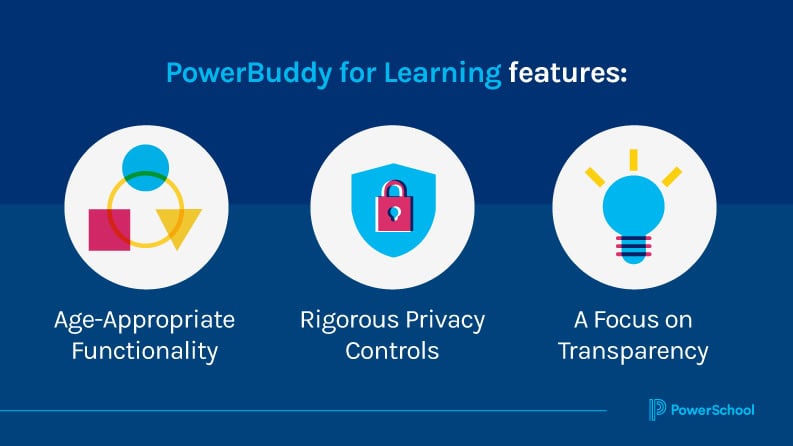
Designed to prioritize student safety and educational integrity, PowerBuddy for Learning features age-appropriate functionality, rigorous privacy controls, and a focus on transparency to ensure it supports learning without compromising trust. PowerBuddy for Learning empowers students to explore AI, take charge of their learning, and use AI technologies ethically.
Encourage AI Exploration
Fostering curiosity about AI begins with creating an environment where students are encouraged to experiment, question, and make mistakes—all within healthy, safe boundaries. With tools like PowerBuddy for Learning, educators can facilitate this environment in structured, meaningful ways.
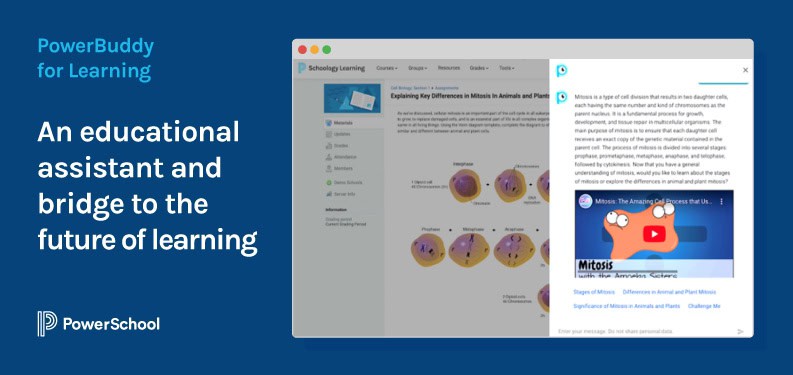
When teachers create assignments and projects in Schoology Learning, they can direct PowerBuddy for Learning to work in one of two modes: Socratic Mode or Research Mode. In Socratic Mode, students are encouraged to dive deeper into their critical thinking without being provided any direct answers. PowerBuddy for Learning prompts students with questions that invite deeper exploration and analysis. When in Research Mode, PowerBuddy for Learning delivers curated information from reputable sources. With protective guidelines in place, students can safely access appropriate educational content, ensuring they’re exploring and learning responsibly. In both modes, PowerBuddy for Learning can respond to student inquiries with a variety of multimedia, including YouTube videos, audio content, and infographics.
PowerBuddy for Learning also has built-in features that help students strengthen their AI skills and improve their interactions with generative AI. After PowerBuddy for Learning responds to a student’s original inquiry, it provides guided suggestions for follow-up questions to help students learn the art of writing clear and effective prompts. This way, students develop the skills to learn what to ask and how to ask it, sharpening their AI facility.
Integrate AI Skills in Learning
Learning AI concepts becomes more impactful when students get direct experience using the technology. Incorporating AI tools such as PowerBuddy for Learning into classroom content gives students space to directly apply the skills they’re developing.
A key component of AI literacy is critical thinking: using the human brain to evaluate the truth and accuracy of the information AI (a computer) is providing. Discussing AI outputs is an excellent way to help students think critically about AI-generated information. For example, in a humanities class, a teacher may write an example of a weak thesis statement and ask PowerBuddy for Learning to offer feedback. Discussing the AI’s recommendations can spark meaningful conversation: Are the suggestions constructive and helpful? Will they improve the thesis statement? Why or why not? This exercise reinforces the importance of critically evaluating AI-generated information rather than blindly accepting it as fact or truth.
PowerBuddy for Learning also helps keep students on task, so they don’t stray from the learning objectives. If students wander too far off topic, the tool gently redirects them while also creating opportunities for personal connection to the material. For example, if a student is researching the Roman Empire but asks a question about a modern-day athlete, PowerBuddy for Learning may deliver information about the Colosseum or ancient chariot racing to connect with the student’s expressed interest in sports. This tailored response helps students stay focused while boosting engagement.
Focus on Future-Ready Proficiencies
In a world where technology is always evolving, equipping students with future-ready skills such as critical thinking, adaptability, and analysis is essential. These proficiencies ensure they can successfully navigate and succeed in a digital landscape.
PowerBuddy for College and Career, available in PowerSchool Naviance CCLR, makes career exploration and postsecondary planning simple, personalized, and accessible. The tool provides answers to questions such as regional industries in demand, average salaries, and best-fit colleges based on strengths and interests. New functionalities are coming soon, including AI-enhanced scholarship match, college application support, and FAFSA guidance.
The Future of Learning
Tools such as PowerBuddy for Learning help educators take a thoughtful, hands-on approach to teaching AI literacy while practicing and modeling responsible AI use. By fostering safe spaces of exploration, integrating AI into classroom work, and helping students build future-ready skills, teachers can empower students to use technology both responsibly and innovatively.
PowerBuddy for Learning is more than just an educational assistant—it’s a bridge to the future of learning. Through its thoughtful design and tailored features, it prepares students not only to thrive in the AI era but to shape it.
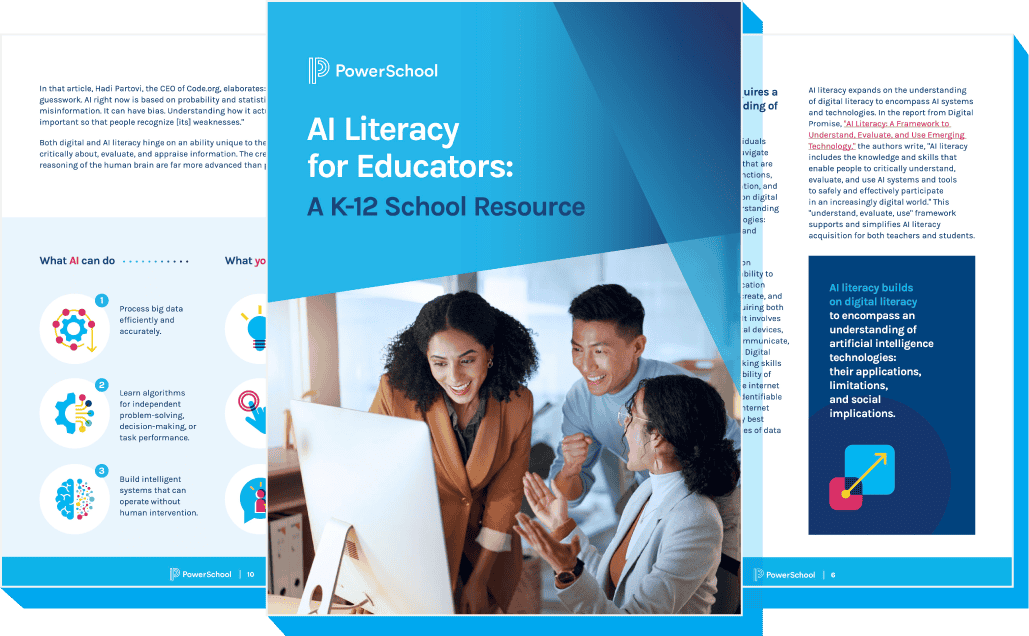
AI Literacy for Educators: A K-12 School Resource
Learn how implementing an AI literacy framework can help prepare your students for effectively using AI in school and beyond.
Get the eBook