

< Go Back to Main Naviance CCLR User Toolbox
Getting Started with Naviance CCLR
These resources are designed to help you successfully utilize Naviance CCLR to its full potential.
Expert Videos for Staff
Naviance for Elementary: Student and Staff Overview
Watch this high-level overview of activities for students and tools for staff in Naviance for Elementary.
Overview of the New Staff Dashboard
Learn how to customize your Naviance landing page and maximize this updated user experience!
Keynote: Unlocking Potential and Transforming Futures
Join VP Brian Co for the VirtCon 2024 keynote as he shares a bold new vision for a modernized, simplified, personalized Naviance CCLR to empower college, career, and life readiness.
Naviance CCLR 101: The Basics for New Users
Gain basic navigation skills for the Naviance CCLR platform, including staff- and student-facing features and data import methods.
Creating Naviance CCLR Enthusiasm and Buy-In
Equip educators with strategies to integrate Naviance CCLR into classrooms, fostering support and excitement for CCLR.
Navigating Success: Unleashing Naviance CCLR’s Potential
Explore Naviance CCLR’s key features to empower students in their college, career, and life readiness journey.
Supporting Early College, Career, and Life Readiness
Explore Naviance for Elementary to support early CCLR development and observe outcomes from early learner engagement.
Pathways to Student Success
Learn to develop personalized student pathways in Success Planner, connecting resources and creating dynamic four-year plans.
New Personalized College and Career Profiles
Learn more about how the personalized profiles will provide students with insights and empower them to identify best-fit to support their future
Navigating PowerSchool Community
Learn how to access PowerSchool Community and explore its resources.
Expert Videos for Students
Leveraging the Built-in Multi-Language Tool
Discover how students can use the built-in multi-language tool to support their goals in over 70 languages.
Resources
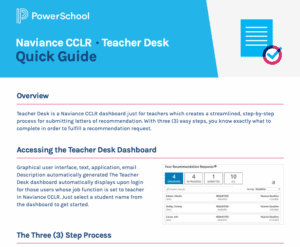
Teacher Desk Quick Guide
Teacher Desk is a Naviance CCLR dashboard, just for teachers, which creates a streamlined, step-by-step process for submitting letters of recommendation.
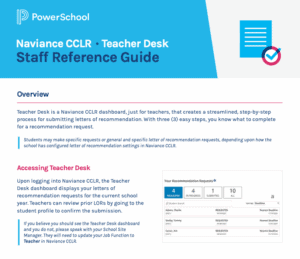
Teacher Desk Staff Reference Guide
Teacher Desk is a Naviance CCLR dashboard, just for teachers, which creates a streamlined, step-by-step process for submitting letters of recommendation.
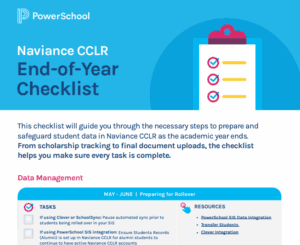
Naviance CCLR End-of-Year Checklist
Use our checklist to help you keep track of tasks for optimal Naviance CCLR data management.

Technical Product Support
Access helpful information on Naviance CCLR
Getting Started with Naviance
PowerSchool Community
- Contact Support – Online
- 1-866-337-0080 (Option 2) – Phone
- Submit a Support Case