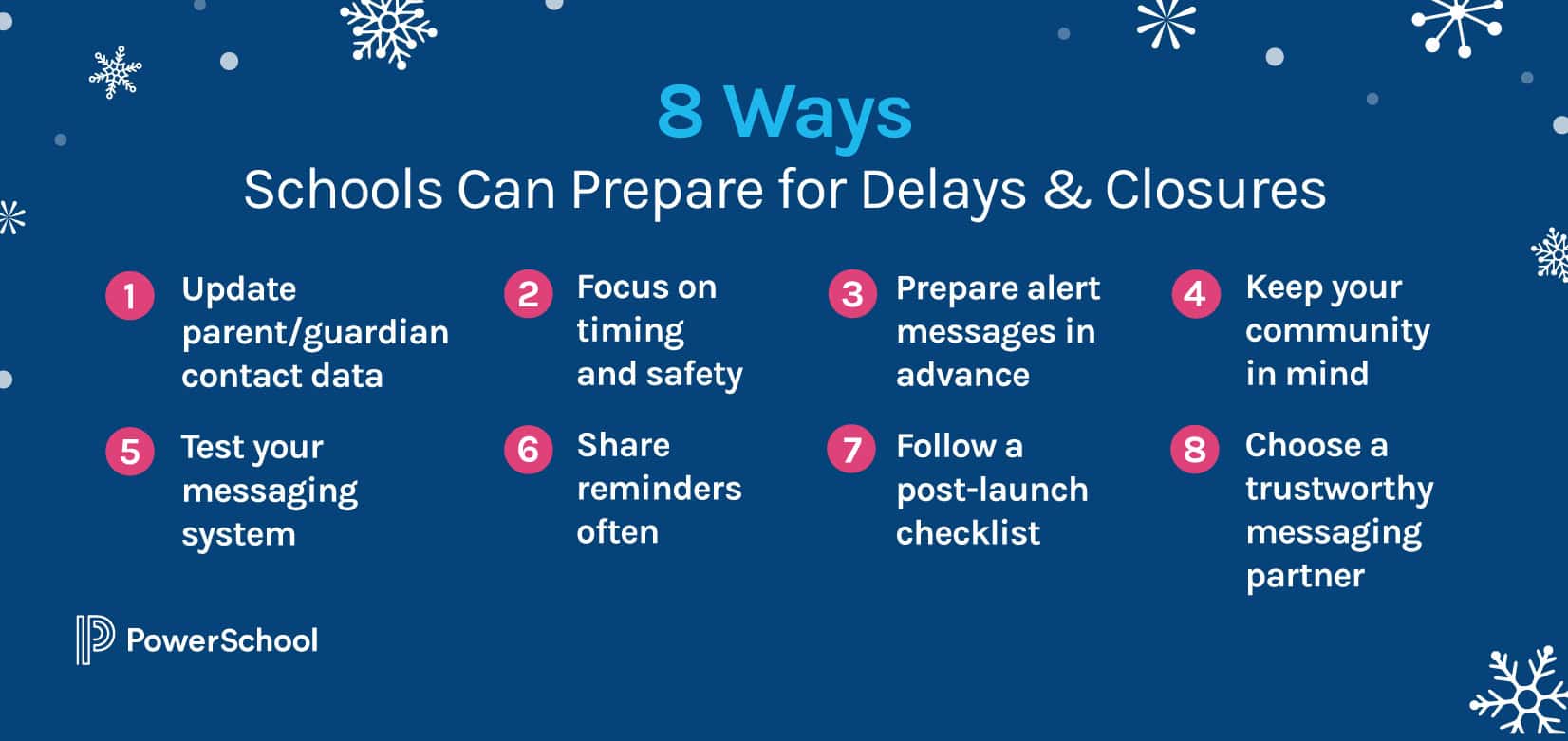
When freezing temperatures and snow make it unsafe to operate your school, closure and delay messages must get to families quickly and accurately. Will your school be prepared for winter weather? Get ready now with the help of these 8 tips.
-
Update your parent/guardian contact data before winter weather hits.
Your messages will only get delivered to parents or emergency contacts whose contact info is updated in your SIS. Therefore, best practices for winter messaging start long before the snow falls. Make sure to remind families to update their contact information at the beginning of each school year, and quarterly after that.
-
Focus on timing and safety in severe weather.
Consider setting a deadline for making closure decisions. Then, make it a policy, stick to it, and inform families when they can expect a message. As you determine your deadline time, make sure you have given yourself leeway to broadcast your message.
In making your decision, ask yourself whether the severity of the weather demands a closure or a late start. Have a process and timeline for evaluating the forecast, understanding road conditions, and remaining cautious. When debating whether to close or adjust your schedule, it helps to consider your students with the longest commute and ask yourself if it’s safe for them to travel.
-
Prepare winter weather messages in advance.
You can create your own messages or use pre-determined language for your broadcasts. Either way, ensure you have a few options easily accessible in your school messenger system’s library. This saves time and effort, especially when schools need to send messages in multiple languages. You may also choose to record generic audio messages or create them on-the-fly when you need to speak to specific weather situations.
Be sure to include whether a snow day is a full cancellation of school or if there are expectations for remote or asynchronous learning. If it’s the latter, remind parents where they can access learning materials or classroom information.
-
Keep your school community in mind.
Different parents prefer different communications channels, so you should respond to their various needs by using voice, text, e-mail, and social media blasts in the same broadcast to increase your likelihood of reaching parents quickly.
Meanwhile, don’t be afraid to get creative. Some school administrators recite poems or sing parodies of popular songs in their school closing voice messages. Especially if a closure extends the weekend for your students, or comes after a big snowstorm, they may enjoy your messages. As a bonus, the novelty of your messages might keep families eager to maintain updated contact information.
-
Put your school messaging system to the test.
Each fall, get reacquainted with your school messaging software and run a test message. Start by trying your login credentials and use them to ensure that you can access the features of your system. If you run into issues, contact your software’s support team for assistance right away.
After you log in, refresh yourself on the broadcast launch process—and consider booking a refresher training session with your messaging provider. Even better, invite some colleagues to attend with you, so that you always have a backup user.
Finally, ensure that your mobile app is updated, logged in, and gives you access to the tools to launch broadcasts off-site.
-
Share schoolwide reminders often.
In emails, school newsletters, and school social media channels, remind families how to retrieve their messages. Not only does this help parents, but it will decrease the workload for your office personnel.
-
Follow a post-launch checklist when it comes to your winter weather messaging.
Hitting “send” is not the last step in sharing school winter weather messages. After your broadcast, ensure that you have notified local media outlets about your delay or closure. Then, consider any follow-up messaging you may need to prepare. For example, if you announced a school delay, you can prepare a message to broadcast in case school must remain closed all day.
Once school is back in session, you should conduct a brief review of your school messaging solution. This includes checking reports to see the number of successfully delivered messages. Keep track of this number and aim to increase it. In your review, you should also consider whether you met your decision-making deadline and identify any other areas for improvement.
-
Choose a trustworthy K-12 messaging partner.
PowerSchool SchoolMessenger is a trusted and established option. Our communication platform is proven to increase family engagement, save time, and support student success.
SchoolMessenger supports emergency alerts through an easy-to-use interface, providing over 63,000 North American schools with the tools to reach families across voice, text, email, and social media messaging–and it provides automatic translations for over 100 languages.

PowerSchool SchoolMessenger Webinar: Improve Engagement and Winter Weather Messaging
Experience how PowerSchool SchoolMessenger can benefit your organization with centralized access to trusted tools for mass communication and emergency messaging designed to elevate student support.
Watch On Demand