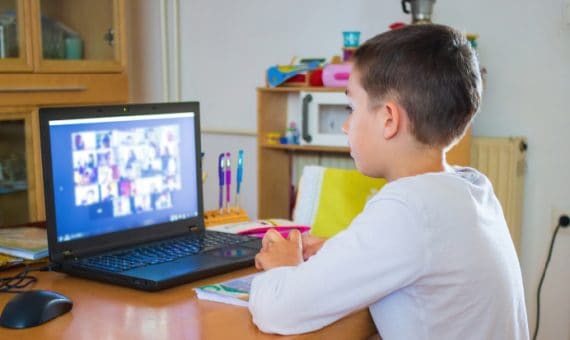
Virtual class sessions are now part of the routine for many teachers and students across the country. It’s crucial for students to feel like they are a part of the class no matter where they’re learning. For context, students do not necessarily need to have their cameras and microphones on during every class to be seen and heard in a virtual classroom. Instead, students’ presence should be acknowledged whether their camera is turned on, and each of them should feel welcome in your virtual classroom.
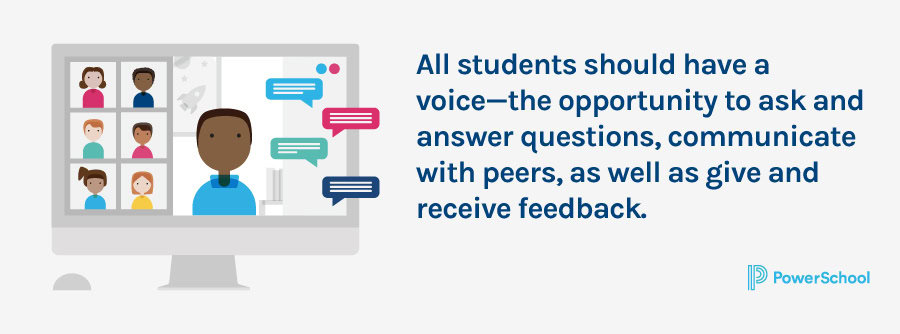
Students should also have a voice—the opportunity to ask and answer questions, communicate with peers, as well as give and receive feedback. Check out these tips to ensure students are seen and heard in your blended learning environment:

1. Set Clear Expectations for Communication
Students should know what is expected of them in class. Can they simply unmute themselves to ask a question or respond to one? Do they need to raise their hands? Does turning off their camera or holding a piece of paper up to it mean something? Your rules can be specific to you or standardized across your team, grade level, school, or district. And certain communication methods may not work in every situation.
For example, if you have a class of 30, you may not want to let students unmute and speak freely. While it’s best to set your expectations at the beginning of the school year, it’s never too late to institute new ways of doing things with your students, especially if they’re older.
2. Stay On the Grid
Keeping students in the grid view on your screen is one of the best ways to know what’s going on in the virtual classroom. You can gauge student engagement, see facial expressions and visual cues. If you’ve developed a form of nonverbal communication, you’ll always be able to see who’s trying to get your attention.
Now, there is a caveat. Every student may not have their camera on all the time. We encourage you to be as flexible as possible—within your means—and think about some of the reasons your students might not want to be on camera. Be discerning, though. If you notice that a student who never turns her camera on has waning engagement levels and suffering grades, address that student directly. But the student who responds to every question, stays highly engaged, and never turns his camera on may not be a pressing issue. Everyone should feel comfortable with whatever your rules are on this.

3. Use Built-in Communication Features
Whether you’re using Zoom, WebEx, or virtual classroom platforms, there are likely to be some versions of the basic communication features, like microphone, chat, raising a hand, and polls. You may choose to allow students to use one or all of these methods of communication but model them first. Show them how you’d like this done if you’re allowing students to ask or respond to questions in the chat. Let students know that they don’t have to raise their virtual hand multiple times in a row. Help your students be good digital citizens by reminding them that the meeting host can view the private messages sent between meeting participants after the meeting in the session transcripts.
4. Make Students Feel Comfortable
Allow students to select their own (appropriate) virtual backgrounds or consider having background themes that correspond with the current unit, upcoming holidays, fun categories, current events—you name it. The idea is to make students feel that they are all a part of your class where they should feel welcome and comfortable being themselves no matter the distance.
5. Listen
Develop a relationship with each student, just as you would do in a live classroom. Make a point to reach out to students who don’t always speak up in class. Schedule time for brief one-on-one conferences with individual students to get to know them, get a temperature check with a social and emotional wellbeing check-up, or even follow up on a question you may not have been able to answer completely in class.
Even though students and teachers are interacting remotely, increasing student engagement is possible. Using these techniques to adapt to a virtual classroom allows teachers to help students be as involved as they would be in an in-person learning environment.
Understand & Support Every Student Resource Kit
Use these resources for guidance, insights, and tips on accelerated learning, whole–child instruction, and college, career, and life readiness.