

System Administrators will learn how to enable PowerBuddy for Learning for their Schoology environment whether for a particular role, building, or district-wide.
< Go Back to Main Schoology User Toolbox
Schoology PowerBuddy for Learning
These resources are designed to help you successfully utilize Schoology to its full potential.
Expert Videos
Webinar: AI PowerBuddy for Learning
Learn more about PowerBuddy for Learning, PowerSchool’s AI features within Schoology.
PowerBuddy: Student Chat Assistant
Students will learn how to use PowerBuddy’s Student Chat Assistant in their Schoology courses to assist on assignments, streamline study routines, clarify complex topics, and/or promote year-round organization and learning.
PowerBuddy: A Teacher’s Guide
Teachers will learn how to use PowerBuddy Tools in their Schoology courses to generate content for lessons, group projects, family communication, and much more.
Resources
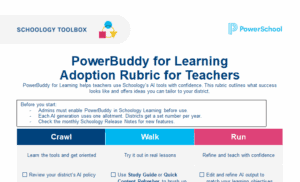
PowerBuddy for Learning Adoption Rubric
Bring AI into your classrooms with confidence. The PowerBuddy for Learning Adoption Rubric helps teachers confidently use Schoology’s AI tools.
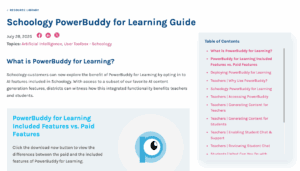
PowerBuddy for Learning Guide
Ensure users get the most out of PowerBuddy for Learning in Schoology. Explore and share this guide today.
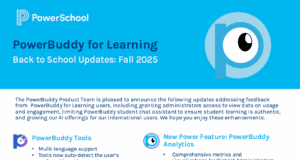
PowerBuddy Back to School Updates (2025)
Download to explore the latest updates inspired by feedback from PowerBuddy for Learning users.

Technical Product Support
Access helpful information on Schoology Learning
PowerSchool Community